New Free plan, no cap on student numbers

Disconnect
to focus better.

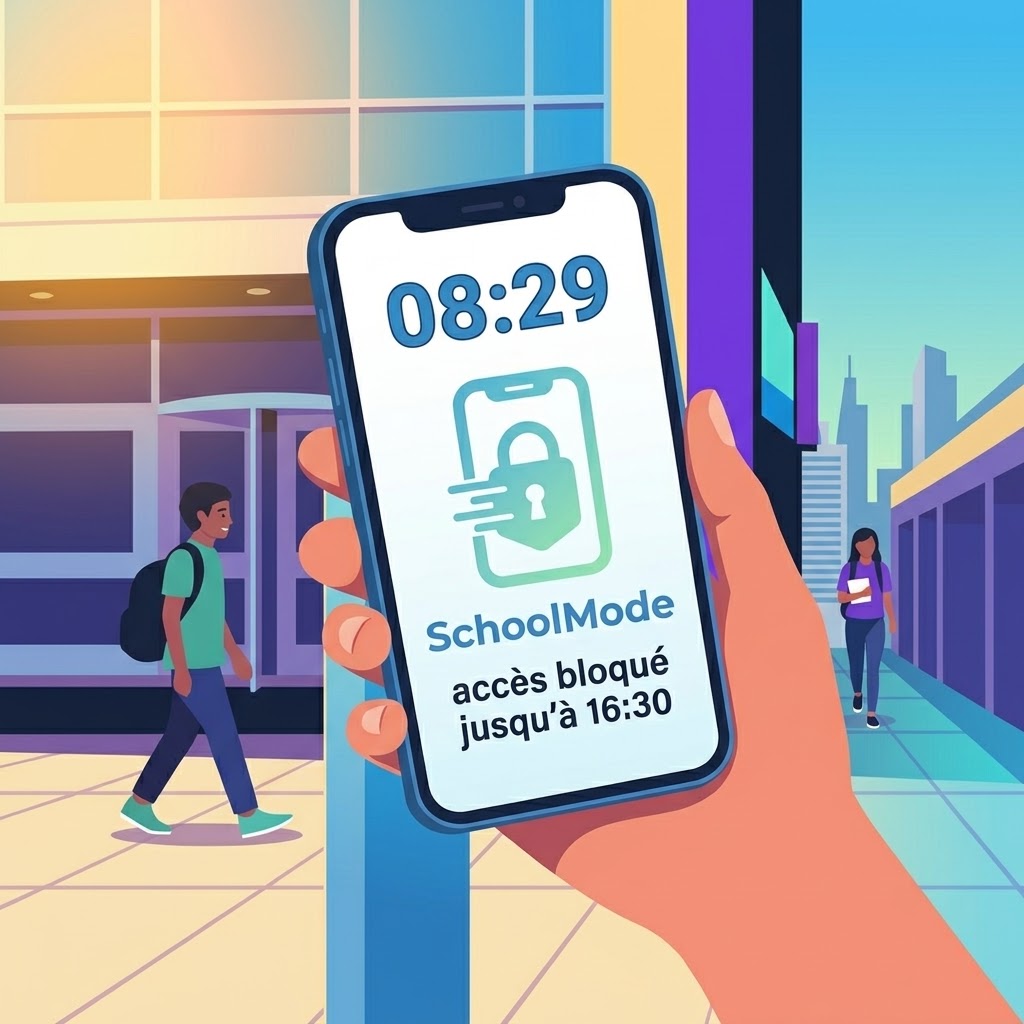
Digital disconnection in the service of classroom focus. SchoolMode automatically locks students’ phones throughout the school day, and tells the school whether the restriction is still active.

No hardware. No procurement process. Up and running in 24 hours. Emergency calls always get through.
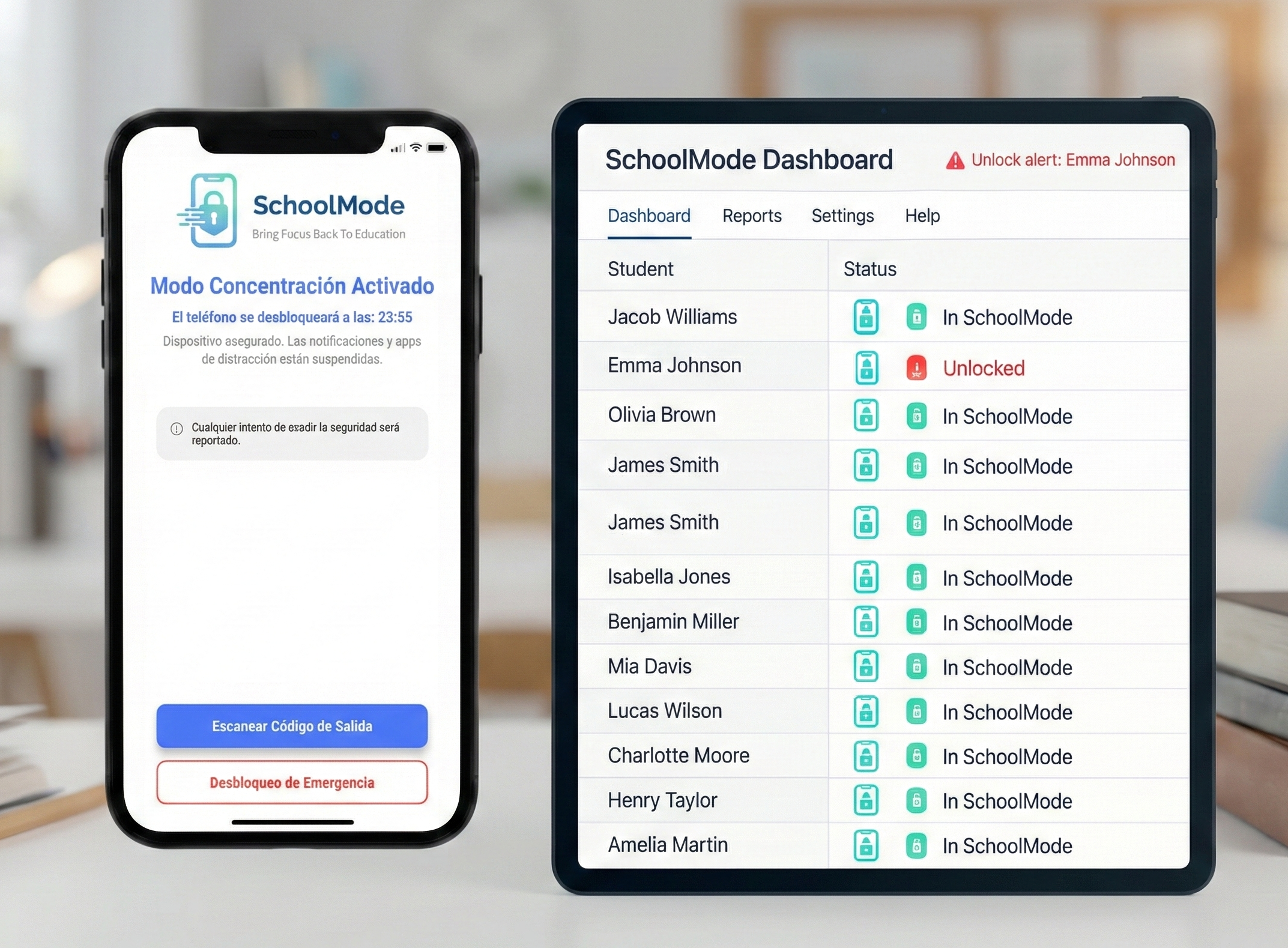
“School Mode on” screen TO PRODUCE
📱“School Mode on” screenimages/hero-app-ui.pngA student’s phone during class, in context.
451 students compliant
Restriction lifted — 10:32
How it works

A simple sequence

From arrival to departure, everything triggers automatically.
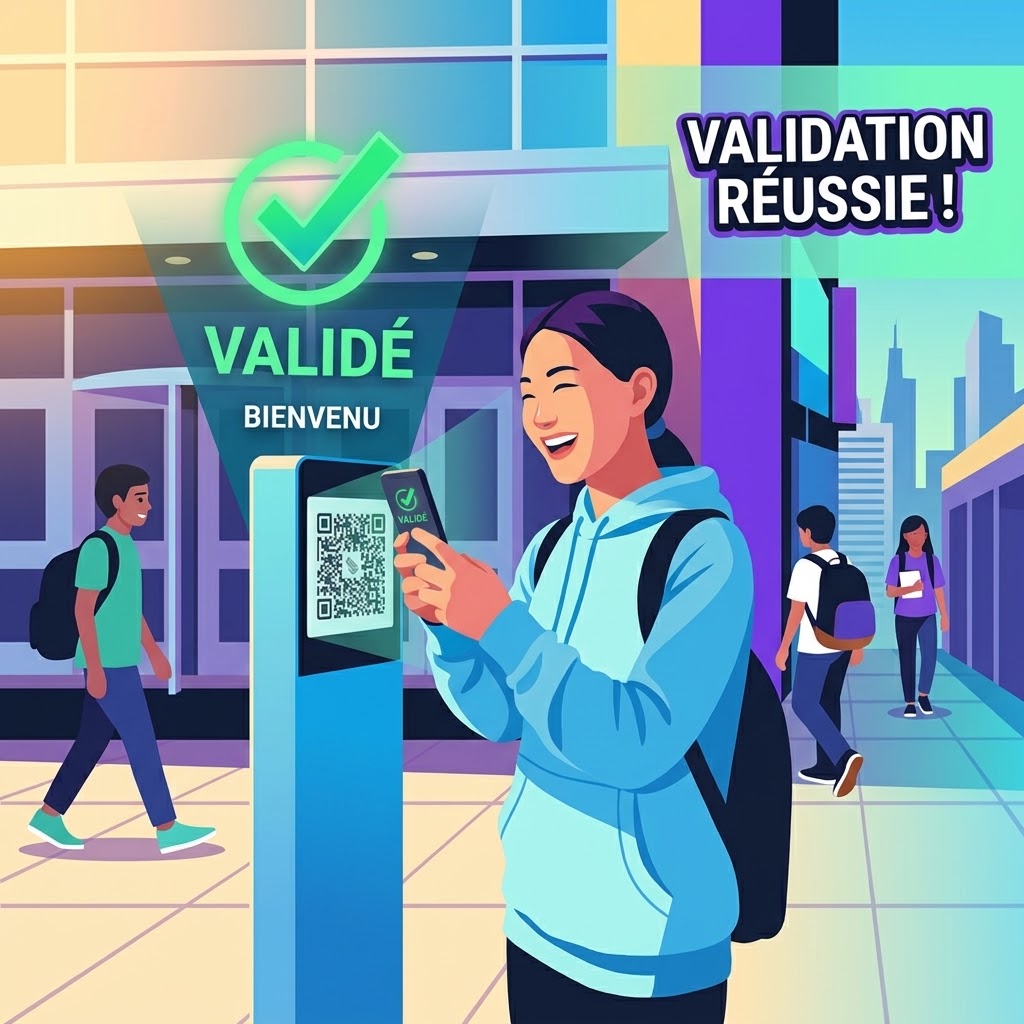
Scan on arrival
📲
Scan on arrival
images/step-1-scan.png
The student scans the QR code, school mode switches on.
Phone locked
🔒
Phone locked
images/step-2-verrouillage.png
The screen switches to school mode during lessons.
School dashboard
📊
School dashboard
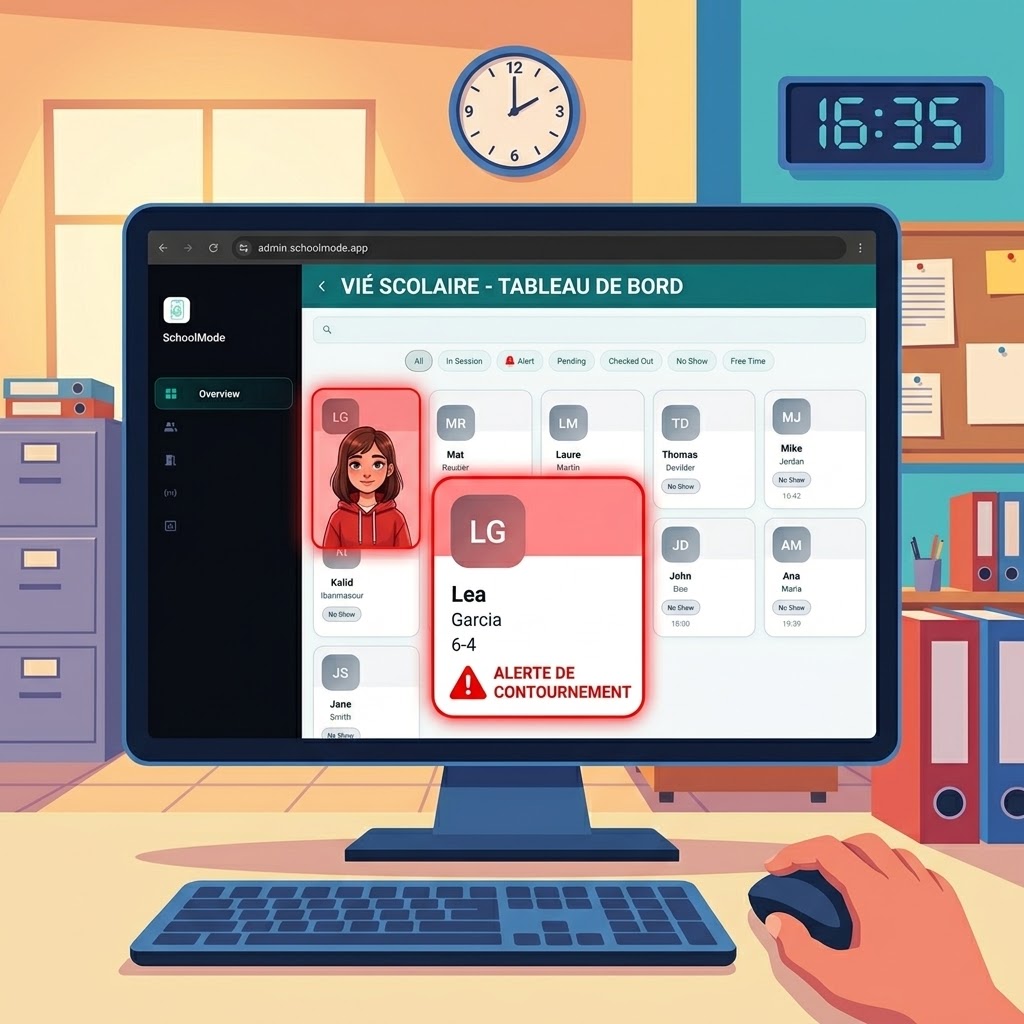
images/step-3-suivi.png
Arrivals, late entries and bypass attempts.
Automatic release
📍
Automatic release
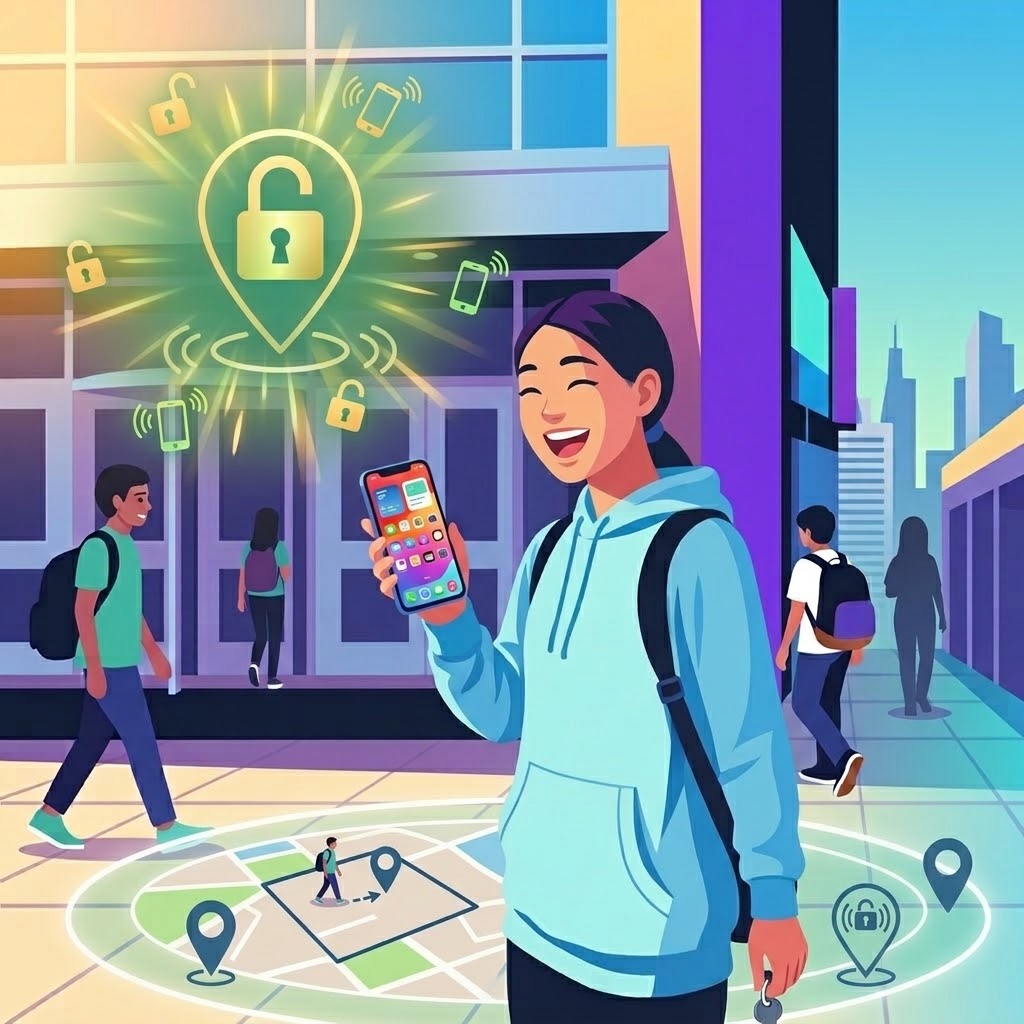
images/step-4-sortie.png
The perimeter is crossed, the phone comes back to life.
Family app
👨‍👩‍👧
Family app
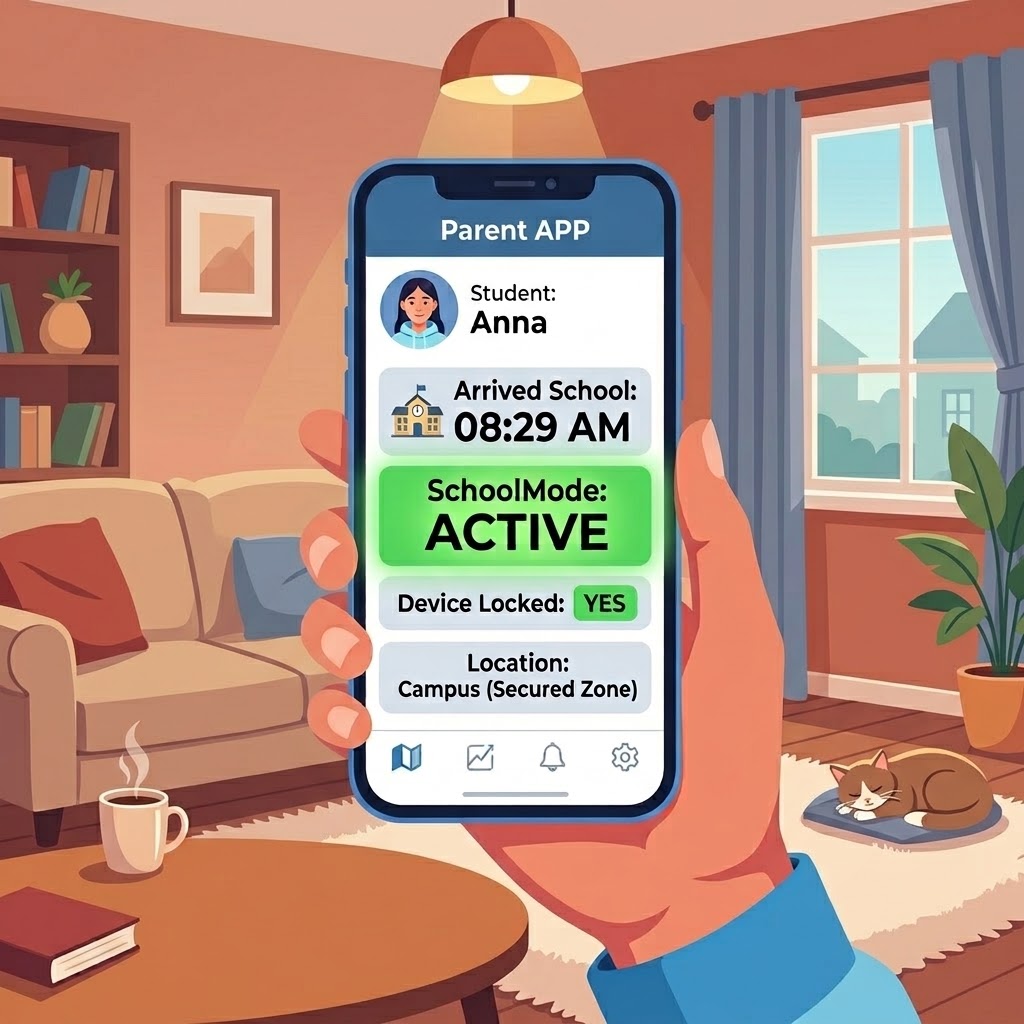
images/step-5-parents.png
Parents see what matters, without surveillance.
1ARRIVAL

The student scans the QR code

A single scan at the school gate is enough. School mode switches on, the arrival time is logged, compliance is confirmed automatically and parents are notified. No adult has to step in.

2DURING LESSONS

The phone is locked

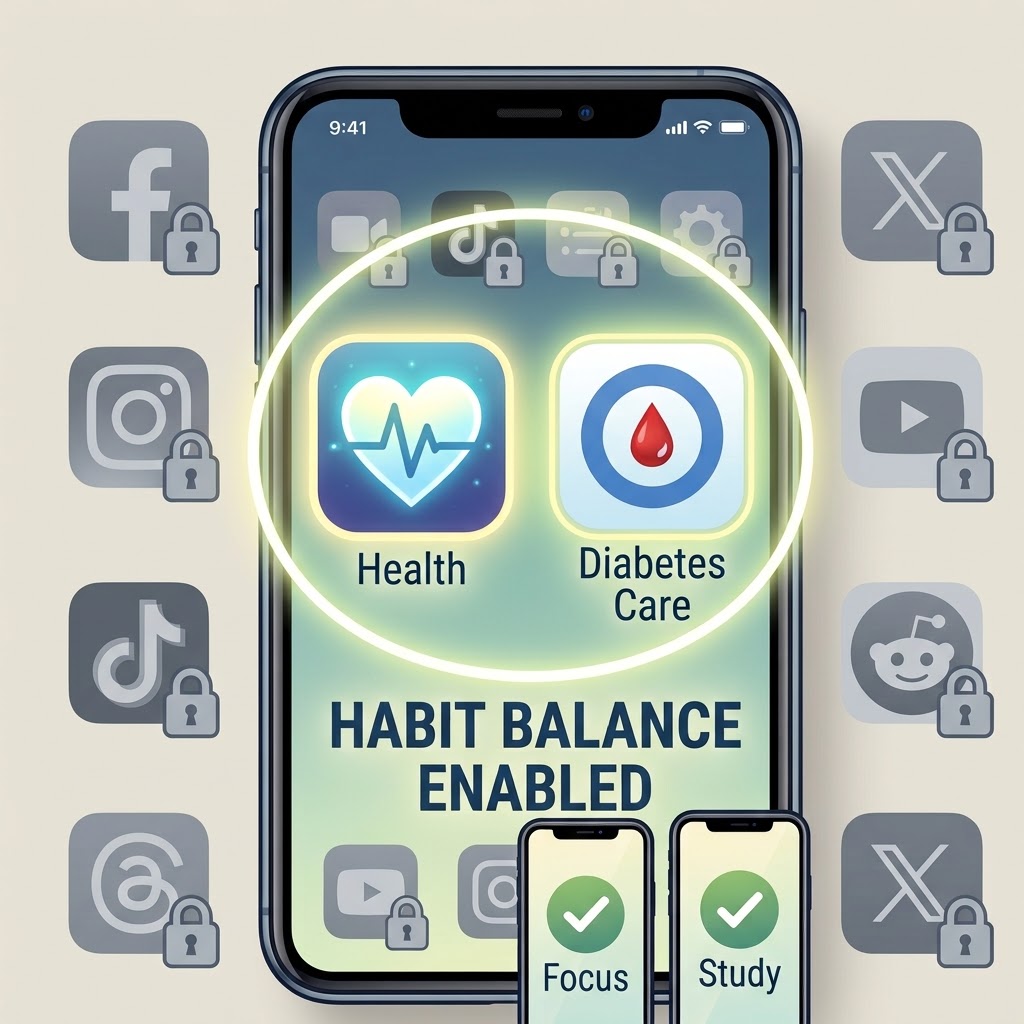
Every app is locked. Only emergency calls and medical notifications keep priority.

3CONTINUOUSLY

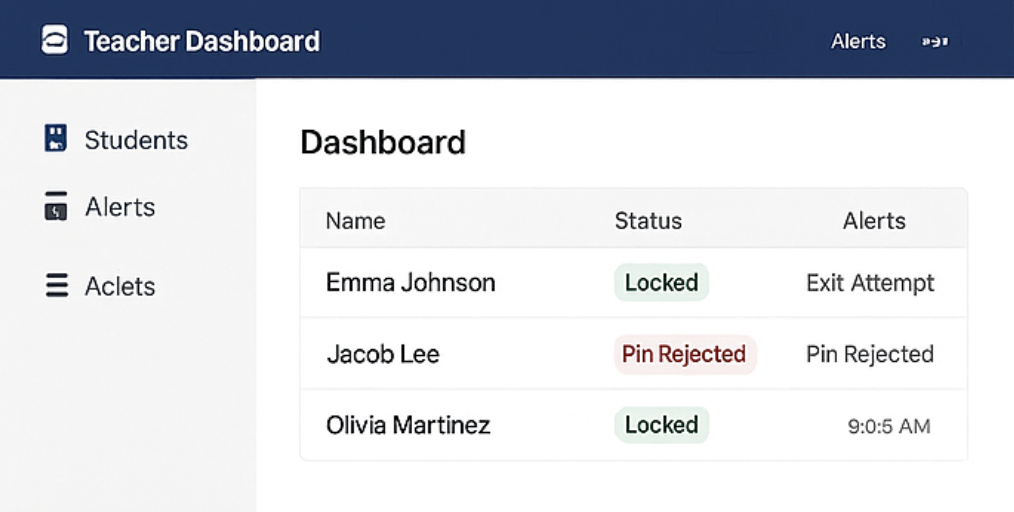
The school follows in real time

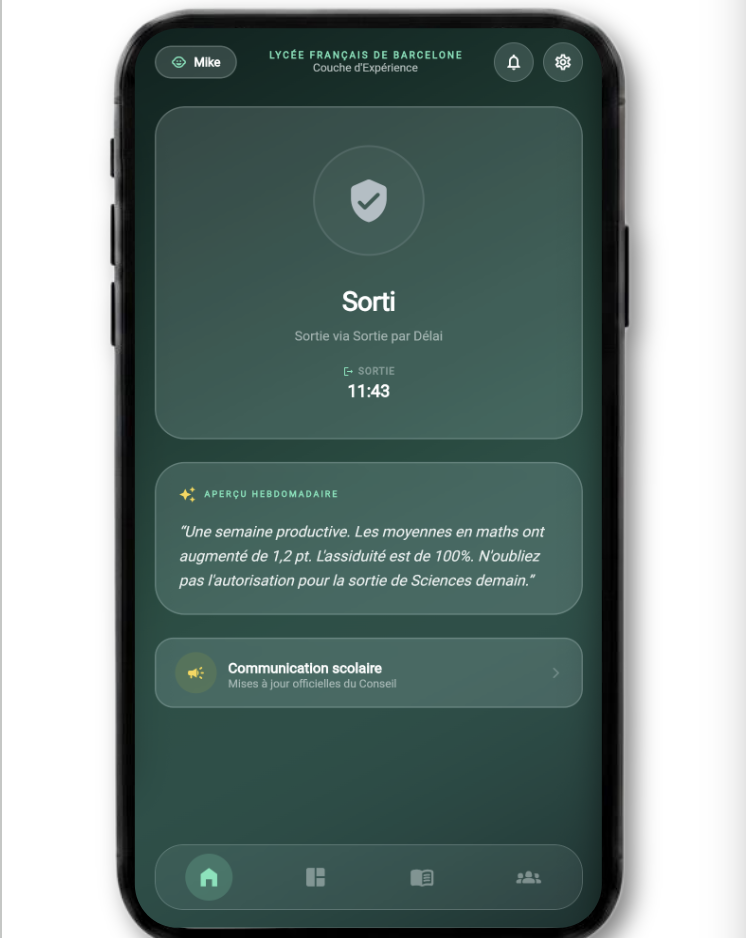
The dashboard shows who has arrived, who is late, and flags any attempt to leave the mode. Late arrivals, absences and compliance gaps are all logged, so student services carry less.

4DEPARTURE

Automatic unlock

As soon as the student crosses the school perimeter, or at the end of the day, the phone reactivates on its own.

5FOR FAMILIES

Parents can follow along from their app OPTIONAL

Arrival, departure, school messages: families get a clear reference point, with no access to phone content or usage detail. Reassurance, not surveillance.

The problem

A clear rule
to apply simply

More and more education authorities are banning phones in class. What is missing is not the rule: it is a way to apply it without turning every teacher into a monitor.
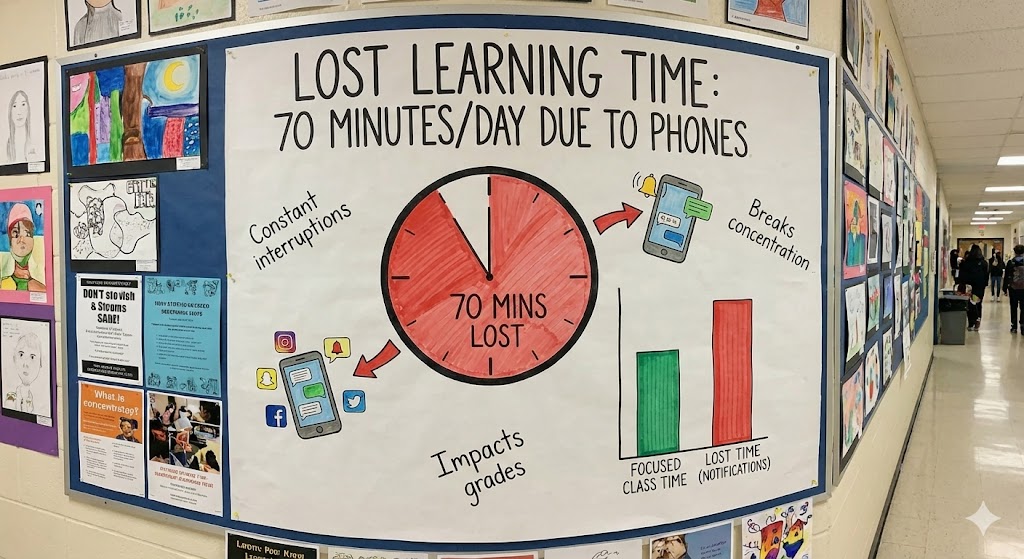
0Lost per student, per dayAverage time lost to distraction (OECD)
0Of lesson timeSpent bringing attention back
PISAHistoric declineCorrelation observed with screen use (2023)
Fragmented attention TO PRODUCE
🧠Fragmented attentionimages/graphic-focus-loss.pngIllustration: an attention curve broken up by notifications.

Attention that keeps breaking up

One notification costs several minutes before concentration comes back.
Current methods TO PRODUCE
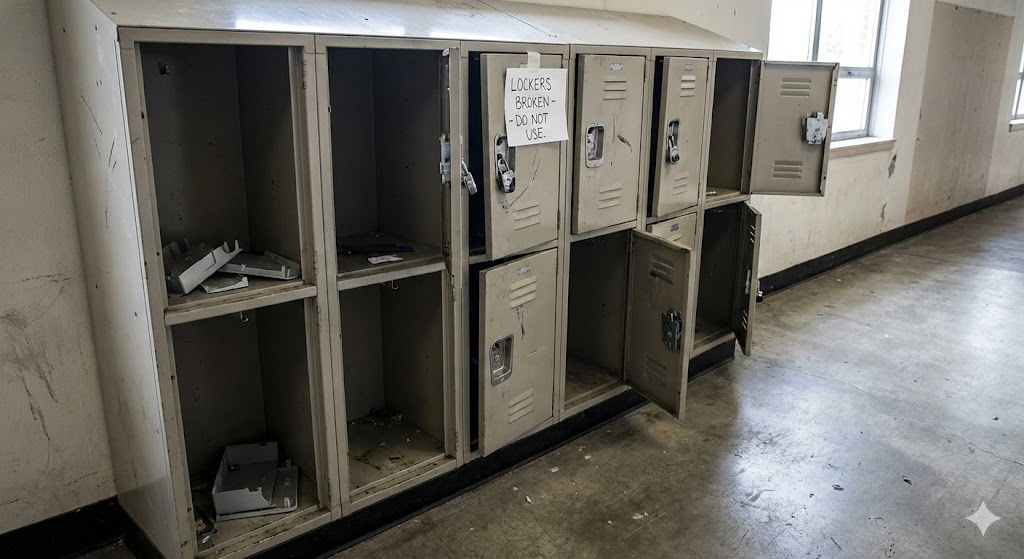
🎒Current methodsimages/graphic-methods-fail.pngIllustration: pouch, locker, confiscation — and their limits.

Current methods are not always effective

Confiscation, pouches, lockers, reminders: each one needs an adult to step in, and none is 100% reliable.

Solution at the root TO PRODUCE
🎯Solution at the rootimages/graphic-root-solution.pngIllustration: the lock acts on the device itself.

A solution at the root of the problem

SchoolMode acts on the device itself, automatically, following the timetable. No more manual checks, no more standoffs with students.

Demo

Restricting is not enough.
You still need to know the rule is holding.

Press the button and compare both modes at the same moment. That is the whole difference between restricting and guaranteeing.

Partial Lock

Partial lock
9:41
Calls and health only
Phone free — outside school hours

Every app is available.

Full Lock

Full lock
9:41
Calls and health only
9:41
School Mode
Unlocks at 4:30 pm
Phone free — outside school hours

Every app is available.

The distinction nobody explains

Two levels of locking

Where most solutions on the market stop at partial locking, SchoolMode goes further with two levels.

Partial Lock

Partial lock

The phone stays on. Distracting apps are hidden during lessons. The student keeps calls, texts, and educational and medical apps.

Ou disconnect every app except calls and medical notifications. This mode can be switched off easily, for a student who needs to disconnect.

Its limit, stated plainly The student consented to this restriction and can withdraw that consent from the phone’s settings. Everything unlocks instantly. This limit comes from the way iOS and Android are designed: no vendor can prevent it, whatever they claim.

Full Lock

Full lock

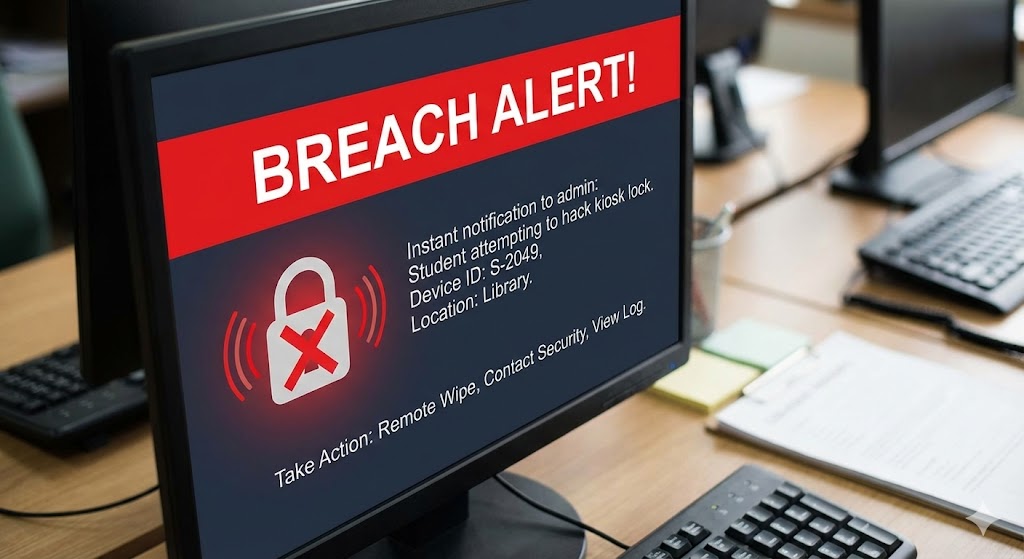
The device is fully locked, except for medical apps. If this single mode is bypassed, an alert goes to student services and to the teacher, timestamped.

Its guarantee There is no silent way out. Either the device is locked, or the school knows exactly when it stopped being locked. That property is what lets a school account for how its own rules are actually applied.

In partial mode, silence is ambiguous

A phone that is switched off, out of network, or whose app was closed produces the same signal. SchoolMode reports it as “unverified” rather than asserting a breach that has not been established — which protects the student as much as the school.

In full mode, silence is the bypass

The app holds the screen until the student leaves school. Interrupting it is, in itself, the reported event. The grey area disappears.
Features

Everything a school needs

App blocking TO PRODUCE
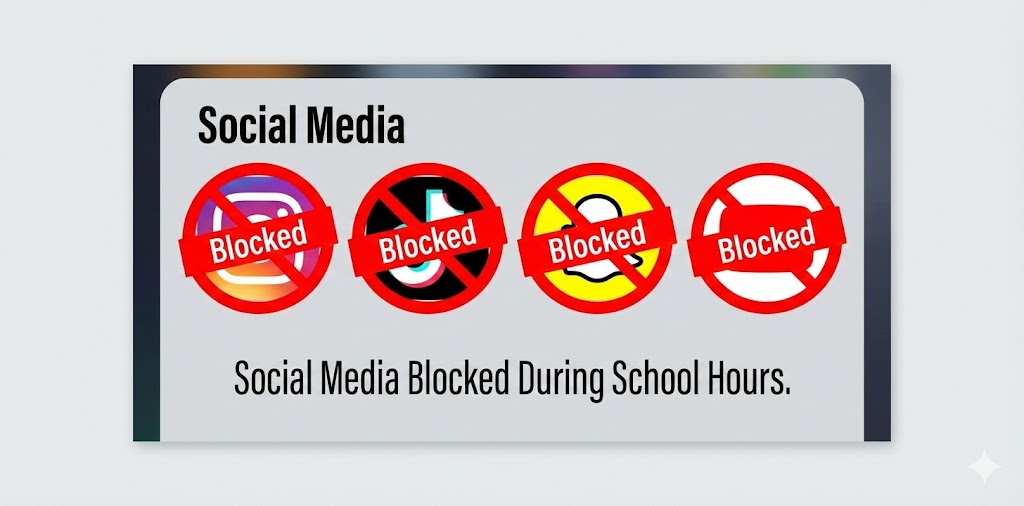
🚫App blockingimages/feat-app-block.pngScreenshot: lock screen, apps greyed out.

Full app blocking

Health apps TO PRODUCE
💚Health appsimages/feat-sante.pngScreenshot: a glucose alert getting through despite the lock.

Health apps always open

Bypass alert TO PRODUCE
🔔Bypass alertimages/feat-alert.pngScreenshot: a red “Restriction lifted — 10:32” line in the log.

Alert when bypassed

Teacher dashboard TO PRODUCE
👩‍🏫Teacher dashboardimages/feat-teacher-dash.pngScreenshot: class view, unlock/relock button, timer.

Teacher dashboard

Student services dashboard TO PRODUCE
📊Student services dashboardimages/feat-admin.pngScreenshot: arrivals, late entries, absences, export.

Student services dashboard

Family app TO PRODUCE
👨‍👩‍👧Family appimages/feat-parents.pngScreenshot: child status, arrival time, school message.

Family app OPTIONAL

Comparison

What each solution actually guarantees

Bypass scale: easy in a single move, hard if you also have to erase the trace, impossible if the mode cannot be left without an alert.

SolutionPer yearLockingBypassWhat the school seesHardware
Partial Lock — FreeFreePartialEasyLive connected countNone
Partial Lock — Verified3,50 €PartialHard+ per-student alerts and historyNone
Full Lock6,00 €FullImpossible+ detection when the mode is leftNone
Other restriction app3,50 €PartialEasyLive connected countNone
Locking pouches14 à 28 €PhysicalEasy (magnet)NonePouches and unlocking stations
Physical lockersHeavy investmentPhysicalEasy (decoy phone)NoneBuilding work, bulky

Pouch pricing reflects observed European market cost, excluding replacements and the staff time needed to manage them.

Pricing

Blocking is easy.
Guaranteeing the block holds is our job.

Per student, over ten school months. Volume discount across multiple schools.

SchoolMode

Partial Lock — Free

Free
No time limit, no cap on numbers
  • Partial lock during lesson hours
  • Custom timetable management
  • Activation by QR code or perimeter
  • Live count of connected students
SchoolMode Most adopted

Partial Lock — Verified

3,50 €
i.e. €0.35 per month
  • Everything in Free
  • Alert when a restriction is lifted
  • Per-student compliance history
  • School dashboard
SchoolMode

Full Lock

6,00 €
i.e. €0.60 per month
  • Everything in Verified
  • Full phone lock
  • No silent bypass is possible
  • Timestamped log
Optional Teacher dashboard Family app Homework tracking
A simple, transparent model
Free for the whole school

Up and running in 24 hours, with no hardware spend and no internal overhaul.
A calmer classroom TO PRODUCE
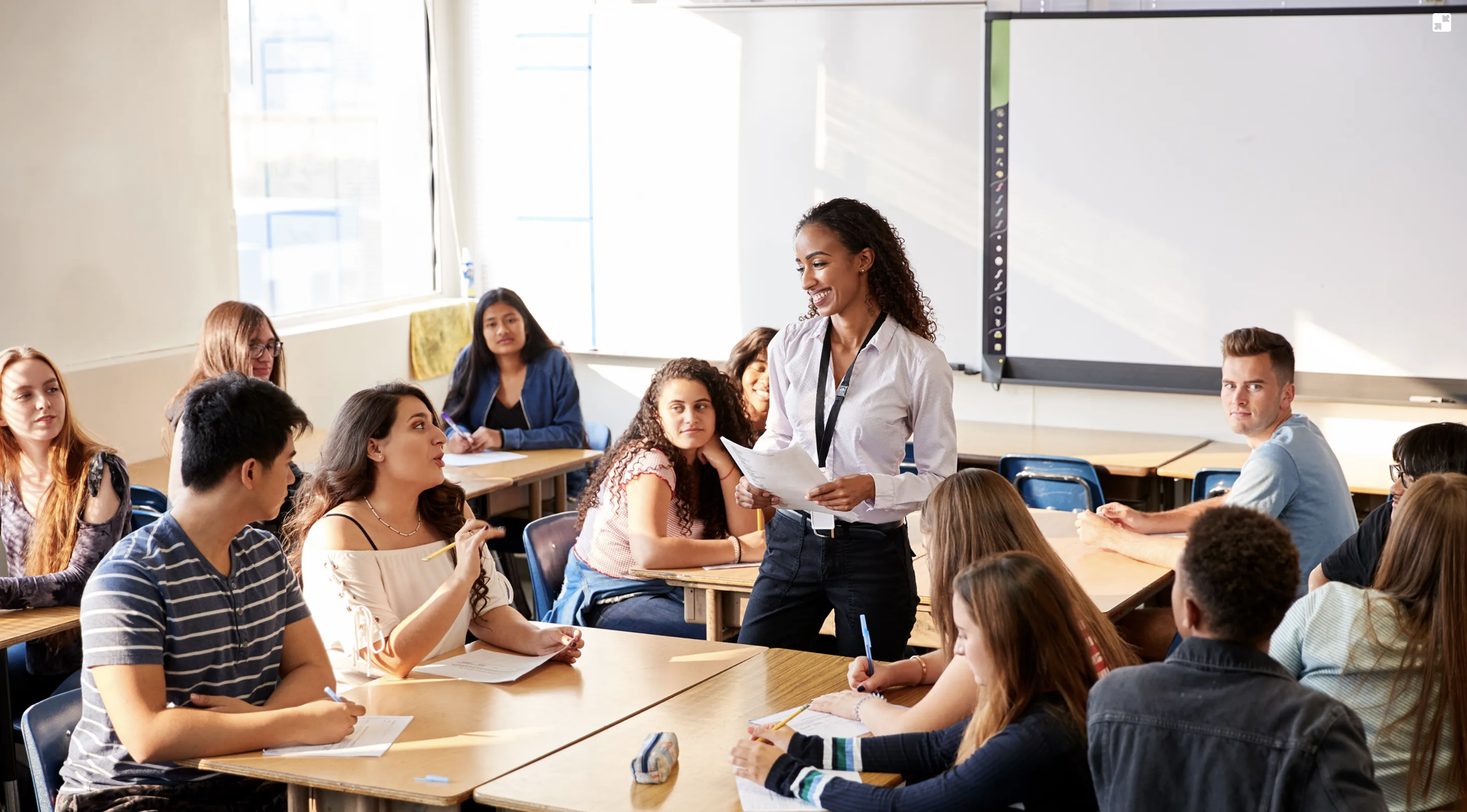
🎓A calmer classroomimages/classe-apaisee.jpgPhoto: attentive students, phones away, a relaxed teacher.
The benefits

Phone-free classrooms, without the conflict

🎓

School and teachers

A clear, traceable framework. Fewer conflicts. More time teaching, less time policing.

👨‍👩‍👧

Parents and students

Clear hours, the same rules for everyone, sharper focus.

Health and emergencies

Nothing vital is ever blocked

🚑

Always available

  • Emergency calls, in every mode, at any time
  • Medical notifications: glucose sensors, medication reminders
  • Emergency unlock available at any moment, and logged by the school
🏫

Leaving the perimeter

In an evacuation, or on leaving school grounds, phones reactivate automatically and immediately.

Privacy

SchoolMode records whether the rule was bypassed,
never why or how

What we do not collect

  • No location tracking outside the defined perimeter and hours
  • No usage or content monitoring
  • No screen-time measurement
  • No record of installed apps

GDPR framework

  • Hosted in the European Union
  • Minimal data, never exploited, owned by the school
  • Configurable retention, capped by default at the school year
  • Security and access documented against an ISO 27001 framework

The Free plan builds no compliance log at all: only the device’s technical identifier and the school’s hours are processed.

Contact us

Roll it out school-wide,
with no commitment

The restriction stays on permanently, free of charge.